

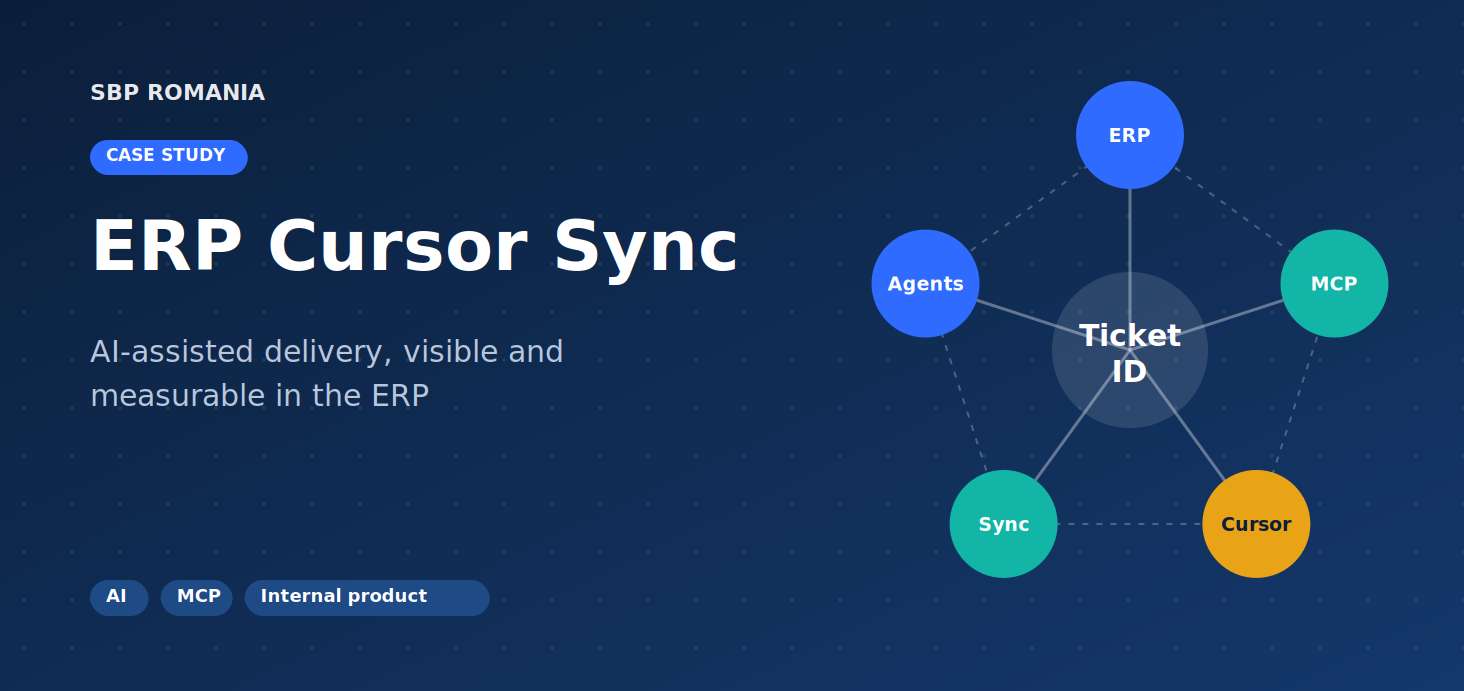
ERP Cursor Sync
AI-assisted delivery, connected to the ERP
01. THE NEED
Our developers deliver with AI in Cursor every day, but that work was invisible to the ERP, where tickets and requirements live. Starting a task meant opening the ERP and copying context into the IDE by hand. Leads had no shared view of how the team used AI on tickets, so mentoring relied on conversations alone.
We wanted to connect the two systems without adding a reporting step for developers.
#AI (Artificial Intelligence)
#AI-Assisted Development
#MCP (Model Context Protocol)
#Internal Product
02. THE SOFTWARE
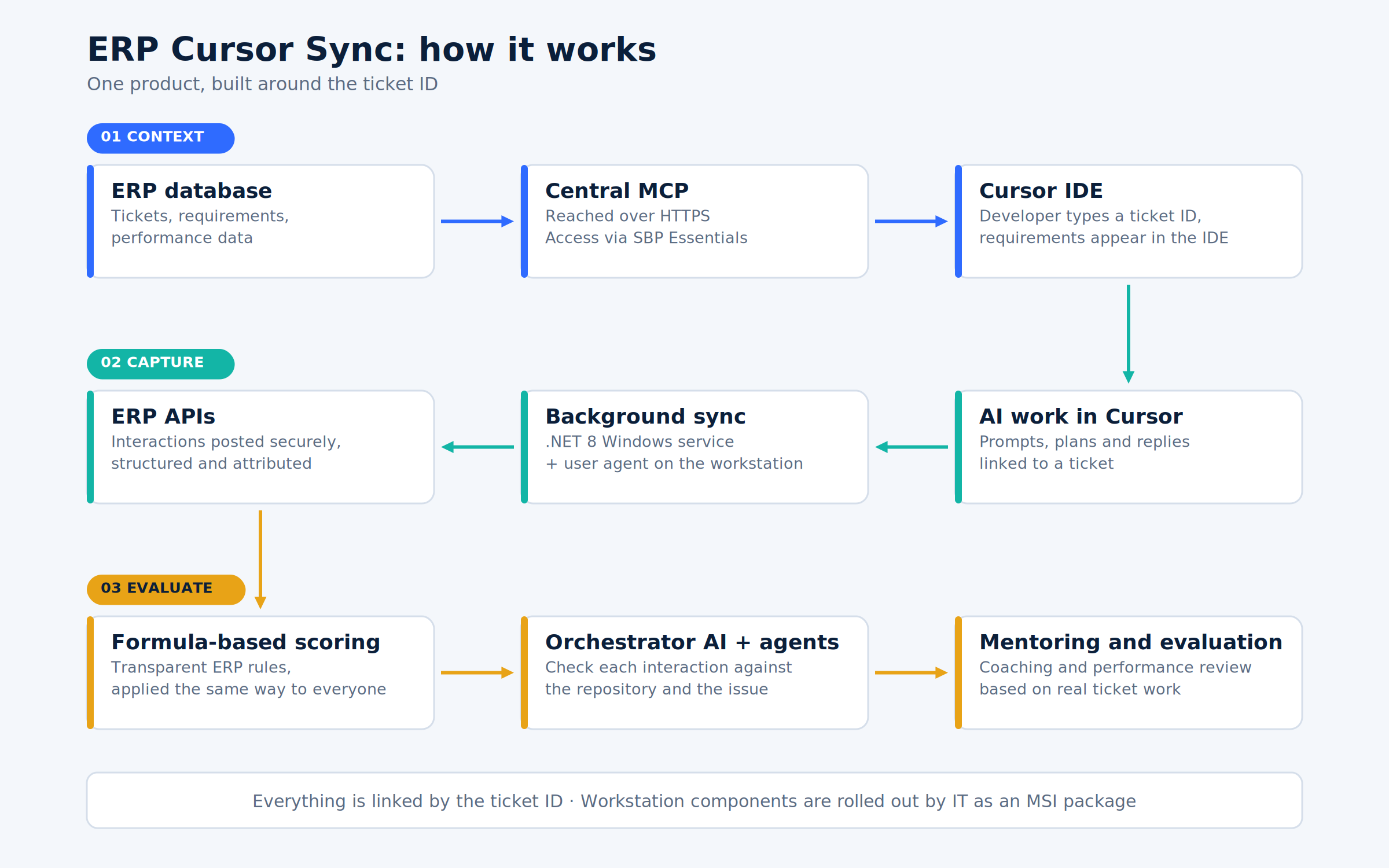
ERP Cursor Sync is built around the ticket ID and has three parts that work together:
Context. The developer enters a ticket ID in Cursor and the requirements appear in the IDE, with no copying and no app switching. Access is authenticated and controlled.
Capture. A lightweight background service links AI interactions to the right ticket and sends them to the ERP automatically, with nothing to export by hand.
Insight. In the ERP, ticket-linked interactions give tech leads real examples of how tickets are approached with AI. AI agents add a check against the repository and the issue description.
IT can roll out the workstation components centrally.
03. SOLVED PROBLEMS
- Mentoring based on real work — Leads can see how the team prompts and plans, so good habits can be recognized and shared.
- No context-switching — One ticket ID gives developers the full requirements inside Cursor.
- No reporting ritual — AI interactions reach the ERP automatically, with no extra step for developers.



04. KEY FEATURES
- Task context from a ticket ID — Requirements are delivered into Cursor securely.
- Automatic, background sync — Ticket-linked AI work flows into the ERP without manual export.
- Ticket-level visibility — Tech leads and mentors see real examples of AI-assisted work.
- AI verification — Agents check interactions against the repository and the issue description.
- Controlled access and central deployment — Authenticated access and IT-managed rollout.
05. TECHNOLOGIES

.NET 8 (C#)
Central MCP
06. BEFORE AND AFTER
| Before | With ERP Cursor Sync | |
|---|---|---|
| Getting requirements | Open the ERP, read the ticket, copy context into Cursor | Enter the ticket ID, details arrive in the IDE |
| AI work | Stays on the laptop | Linked to the ticket automatically |
| Mentoring | Based on conversations | Based on real ticket work |
07. RESULTS
- Much faster task start — A ticket ID is all a developer needs to get the full requirements inside Cursor.
- Automatic capture — Ticket-linked AI interactions reach the ERP with no manual reporting.
- Better mentoring — Leads coach with real ticket examples, and internal feedback points to much less context-switching.
08. TIMELINE AND WHAT’S NEXT
April – June 2026: built in roughly six to eight weeks of focused work. Now: live and still evolving.
Next: richer ticket context in Cursor, such as attachments, and broader workstation rollout.
Lesson: adopting an AI editor is not enough. The value comes from the loop around it: requirements where developers work, and visibility where the team learns.
Have a project in mind?
Get in touch with us for your software development needs!